
We need to talk about data privacy. The enterprise shift toward local LLMs represents a critical turning point for preserving confidential information, slashing inference latency, and completely eliminating recurring API costs. As more organizations recognize the immense risk of sending proprietary codebases, highly confidential client data, and unreleased financial models to external cloud endpoints, the demand for self-hosted generative AI has absolutely skyrocketed. Running local LLMs directly on your own corporate silicon guarantees absolute data sovereignty. However, the ecosystem for deploying these offline models is fiercely divided between two dominant, powerhouse frameworks: Ollama and LM Studio.
Both of these platforms excel at democratizing access to powerful open-weight models like Meta’s Llama 3, Mistral, and Google’s Gemma. Yet, their architectural philosophies, user interfaces, and integration capabilities cater to fundamentally different engineering requirements. Whether you are a solo developer experimenting on an Apple Silicon Mac or an enterprise architect deploying headless inference servers, choosing the right framework to manage your local LLMs dictates the future scalability of your internal AI infrastructure.
The Core Philosophy Behind Local LLMs
Before diving into the direct platform comparison, it is vital to understand exactly why running local LLMs relies so heavily on quantized models. Standard, uncompressed language models require massive amounts of VRAM often exceeding the capacity of even the most expensive consumer GPUs. To solve this hurdle, the open-source community utilizes GGUF (GPT-Generated Unified Format) quantization, a technique which compresses the precision of the model’s weights. This brilliant workaround allows a highly capable 8-billion parameter model to run flawlessly on a standard laptop with just 8GB to 16GB of unified memory. Both Ollama and LM Studio were built explicitly to execute these optimized GGUF files to power local LLMs seamlessly.
Ollama: The Developer’s CLI Powerhouse
Ollama was engineered with a philosophy highly reminiscent of Docker. It is a headless, command-line-first application that prioritizes raw speed, automation, and deep developer integration over visual discovery. For engineers looking to build robust background services using local LLMs, Ollama is undoubtedly the undisputed champion.
- Frictionless Deployment: Installing and running a model requires a single terminal command, such as
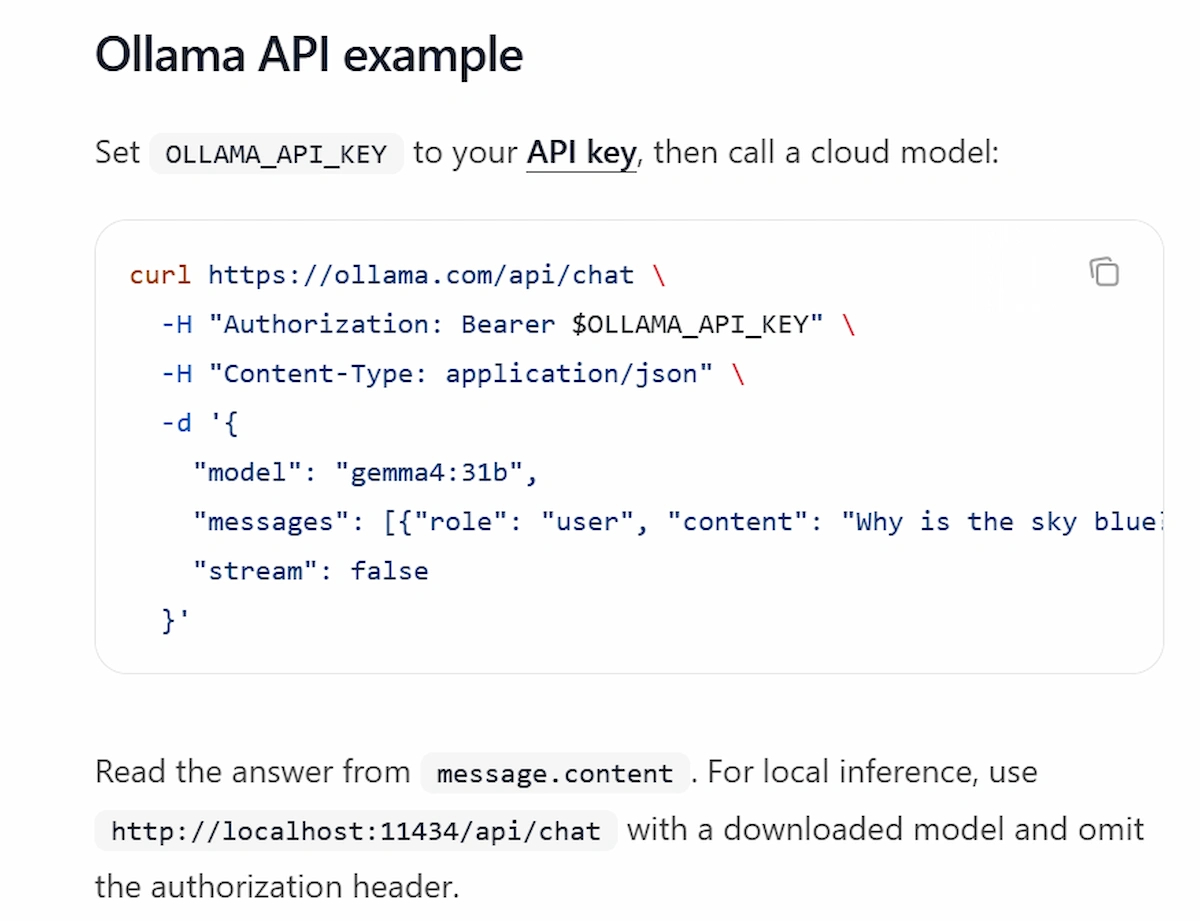
ollama run llama3. The software handles the download, hardware allocation, and execution automatically in the background. - Headless Server Architecture: Ollama operates natively as a background daemon. It exposes a powerful REST API that developers can immediately query using cURL, Python, or JavaScript, making it trivial to integrate local LLMs into custom web apps.
- Modelfiles: Similar to Dockerfiles, developers can write simple scripts (Modelfiles) to permanently bake custom system prompts, temperature settings, and context windows into a specific model variant.
LM Studio: The GUI-First AI Laboratory
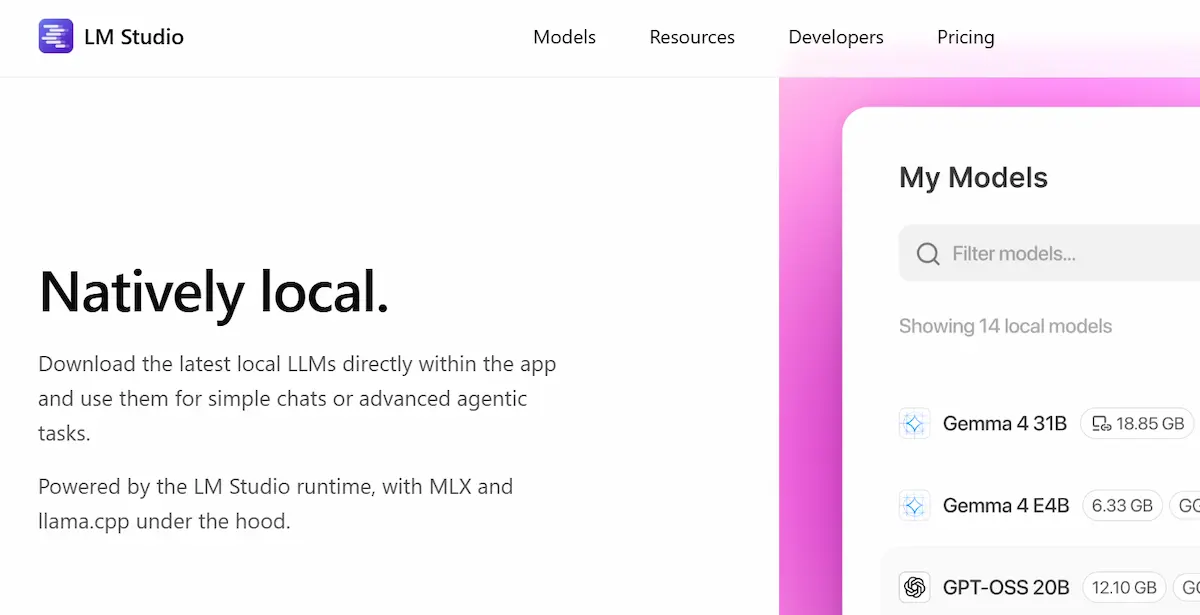
If Ollama acts as the backend server, LM Studio is the beautiful front-end visual laboratory. LM Studio specifically caters to researchers, prompt engineers, and business users who demand fine-grained visual control over their local LLMs without ever needing to touch a terminal window. It offers a stunning, cross-platform graphical user interface that makes AI accessible to everyone.
- Visual Model Discovery: LM Studio connects directly to Hugging Face, providing an in-app search engine to discover, download, and manage thousands of community-finetuned models. It even displays exactly how much RAM each model requires before downloading.
- Granular Hardware Controls: The interface provides intuitive sliders to manually dictate CPU thread usage and GPU offloading, allowing users to precisely balance hardware performance.
- Local Server Instantiation: With just a single click, LM Studio spins up a local inference server completely API-compatible with OpenAI, letting you route existing software directly to your secure models.
Architectural Comparison: Managing Local LLMs
To help you decide which framework fits your specific operational architecture, take a look at this direct feature comparison detailing how each platform handles deployment in the real world.
| Feature | Ollama | LM Studio |
|---|---|---|
| Primary Interface | Command Line Interface (CLI) | Graphical User Interface (GUI) |
| Model Sourcing | Curated official library (Terminal pull) | Native Hugging Face in-app search |
| API Architecture | Native REST API (Always-on daemon) | OpenAI-compatible local server |
| Target Audience | Software Engineers, DevOps, Scripters | Researchers, Analysts, Prompt Engineers |
Making the Final Decision for Your Tech Stack
Ultimately, the choice between these two platforms depends entirely on how your team interacts with artificial intelligence. If you are building automated data pipelines, writing Python scripts to summarize internal documents, or hosting chatbots, Ollama is the premier choice for frictionless integration with your local LLMs. However, if your daily workflow involves comparing model responses, experimenting with complex prompt structures, and visually fine-tuning hardware utilization, LM Studio provides an unmatched, professional laboratory environment.
Explore More on The NexGen AI
- Architecting Autonomous AI Agents for Enterprise Workflows
- The Vibe Coding Blueprint: Building Enterprise Software with Natural Language