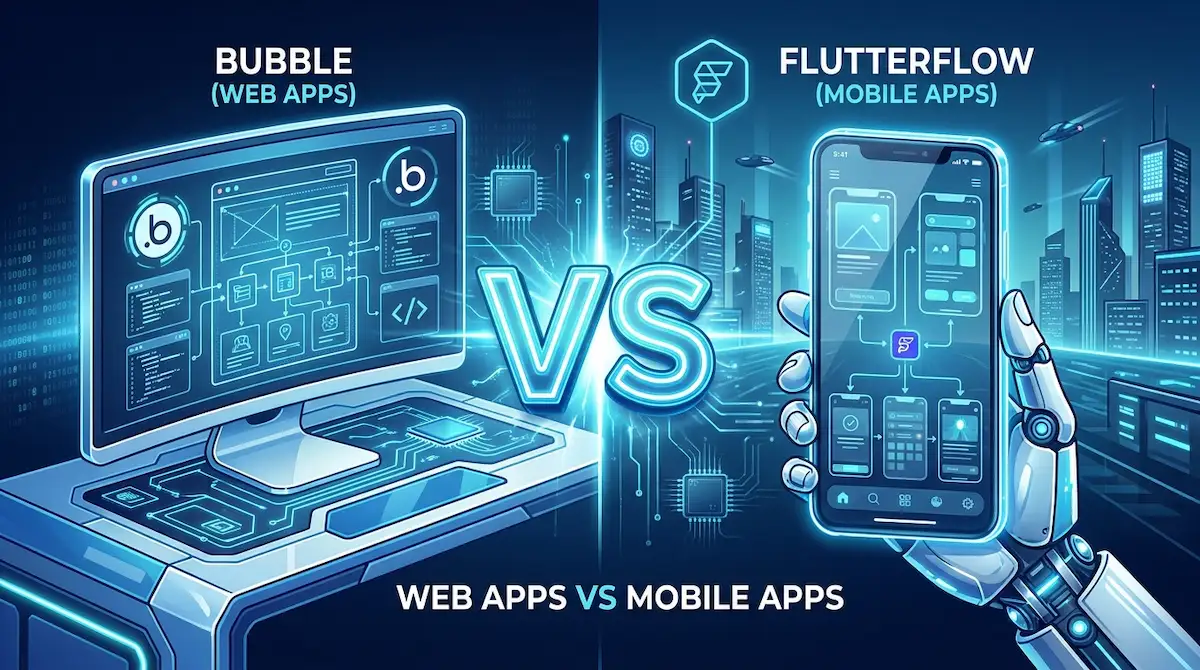
I spent this past 2 days deep-diving into the top visual app builders to see which one genuinely delivers on its promises. If you are preparing to launch a Minimum Viable Product (MVP) in 2026, you will inevitably narrow your choices down to the two undisputed giants of the industry: Bubble vs FlutterFlow.
Choosing the wrong platform can stall your launch by months. While both platforms let you build software without writing code, they were designed for entirely different ecosystems.
Here is the definitive breakdown of Bubble vs FlutterFlow to help you choose the right engine for your next project.
1. The Core Difference: Web vs. Native Mobile
The fastest way to decide between these two platforms is to define where your users will interact with your product.
Bubble is the undisputed king of web applications. If you are building a complex SaaS platform, a two-sided marketplace (like Airbnb), or a heavy desktop dashboard, Bubble is your tool. It renders everything in a web browser and handles massive backend databases flawlessly.

FlutterFlow, on the other hand, was built specifically for native mobile experiences. If your goal is to have users download your app from the Apple App Store or Google Play Store, FlutterFlow is the clear winner. It uses Google’s Flutter framework under the hood, meaning your no-code visual design is instantly translated into actual, high-performance mobile code.
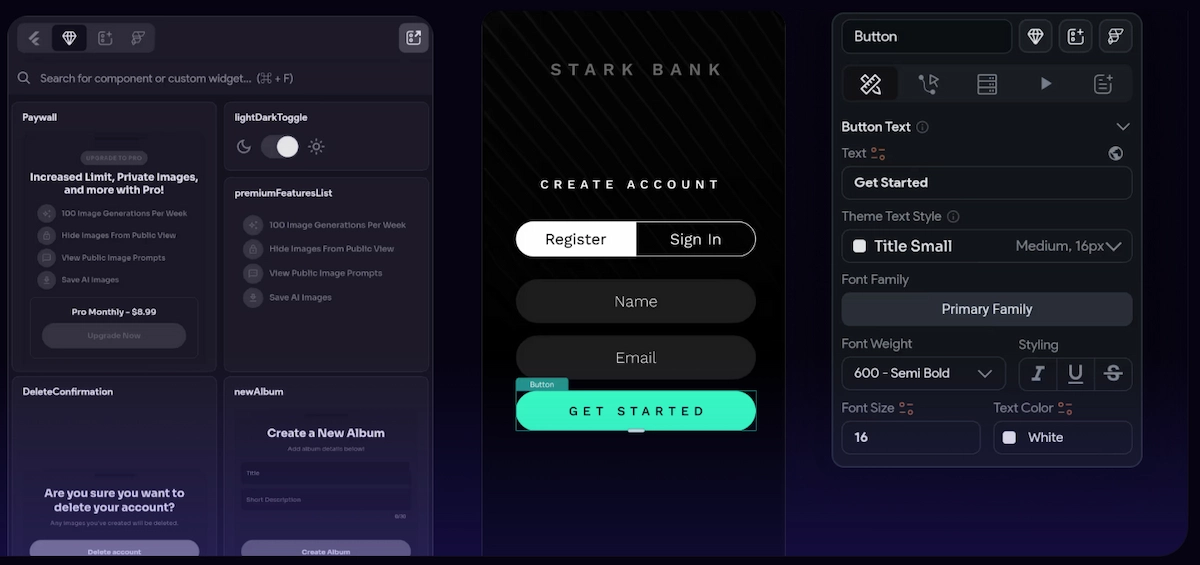
Review the spec comparison below to see how they stack up on learning curves and AI integrations:
2. AI Capabilities in 2026
Both platforms have aggressively adopted artificial intelligence, but they implement it differently.
In the Bubble vs FlutterFlow debate, FlutterFlow currently has the edge for speed. FlutterFlow includes a built-in AI Gen feature that allows you to type a prompt (e.g., “Build a user profile page with a round avatar and a save button”), and it will instantly design the user interface for you.
Bubble relies more heavily on external API connections. While you cannot generate a Bubble page from a single text prompt as easily, Bubble makes it simple to connect your backend database to OpenAI, Anthropic, or Gemini to process data and power your app’s logic.
3. The “Vendor Lock-in” Warning
One crucial factor to consider is data ownership.
If you build your company on Bubble, your app must live on Bubble’s servers. You cannot export the code and move it to AWS or Google Cloud. If Bubble raises its prices, you have to pay them.
FlutterFlow offers an escape hatch. Because it generates clean Flutter code in the background, you can easily click “Download Code,” take your app, and hand it to a traditional engineering team to host and modify anywhere you want.
4. Database Hosting and Pricing Models
When evaluating Bubble vs FlutterFlow, the database hosting and pricing structure is a hidden factor that catches many new developers by surprise.
Bubble hosts your entire database natively. You do not need to connect external servers to get your app running. However, Bubble charges based on “Workload Units” (WUs). If your application becomes highly successful and processes heavy amounts of user data, your monthly server costs will scale up directly alongside your traffic.
Conversely, the Bubble vs FlutterFlow dynamic completely shifts when looking at mobile backends. FlutterFlow requires you to bring your own database (most developers connect it to Firebase or Supabase). This means you will pay FlutterFlow a flat monthly fee for the visual builder, but you will pay Google separately for your data storage. This separation often results in significantly cheaper, more predictable scaling costs as your mobile user base grows.
Pro Hint: Start with the End in Mind
Do not choose a platform based on which user interface looks prettier. If your app relies on push notifications, camera access, offline mode, and App Store distribution, you must use FlutterFlow. If your app requires processing thousands of rows of customer data on a large desktop monitor for B2B clients, Bubble is the only correct answer.
External Resources:
- Test the mobile builder at FlutterFlow.io.
- Explore the web application limits at Bubble.io.
Explore More on The NexGen AI:
- Read our complete No-Code Prototyping Blueprint for the 5-step MVP process.
- Interested in automated coding instead? Check out our Cursor vs GitHub Copilot Guide.