If you are still designing website wireframes in Figma and handing them off to a developer to code from scratch, you are burning cash and months of time. In 2026, visual development platforms have entirely replaced the traditional web design agency model for startups and creators.
When you decide to build a high-performance visual site, the industry narrows down to two elite choices: Framer vs Webflow AI . With both platforms aggressively integrating artificial intelligence, the gap between a “designer” and a “developer” has completely vanished.
Here is the definitive Framer vs Webflow AI breakdown, laid out in 7 critical steps, to help you choose the right engine and build the best website fast.
1. Understand the Core Philosophy
To make the right choice, you must understand how these tools were engineered.
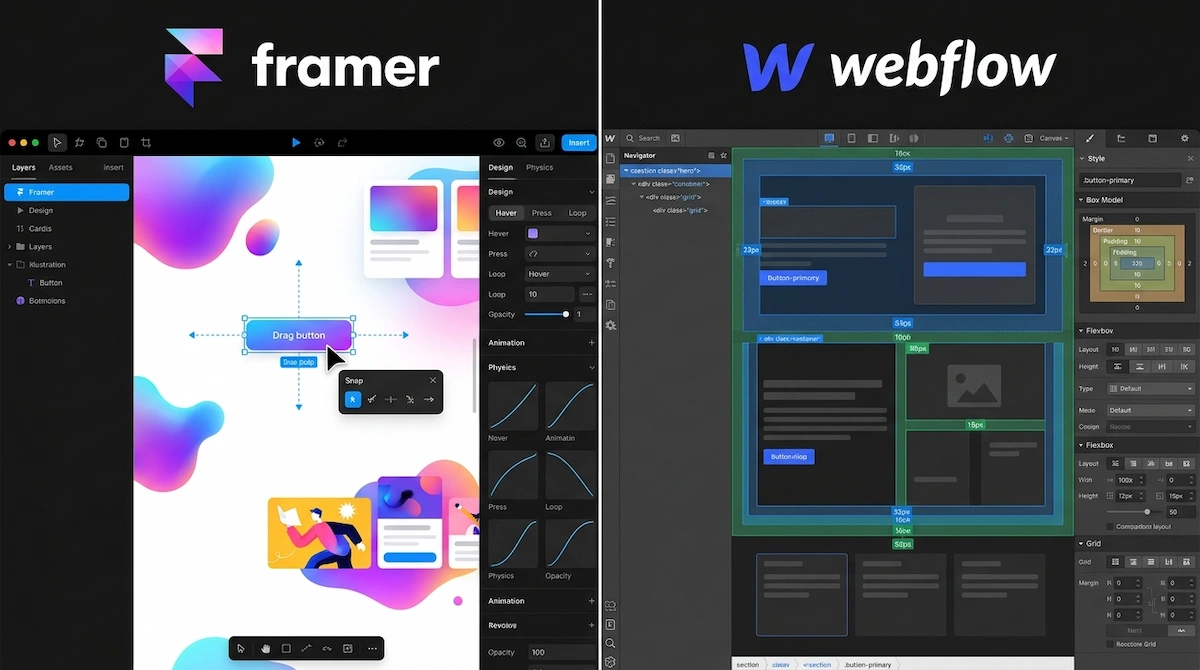
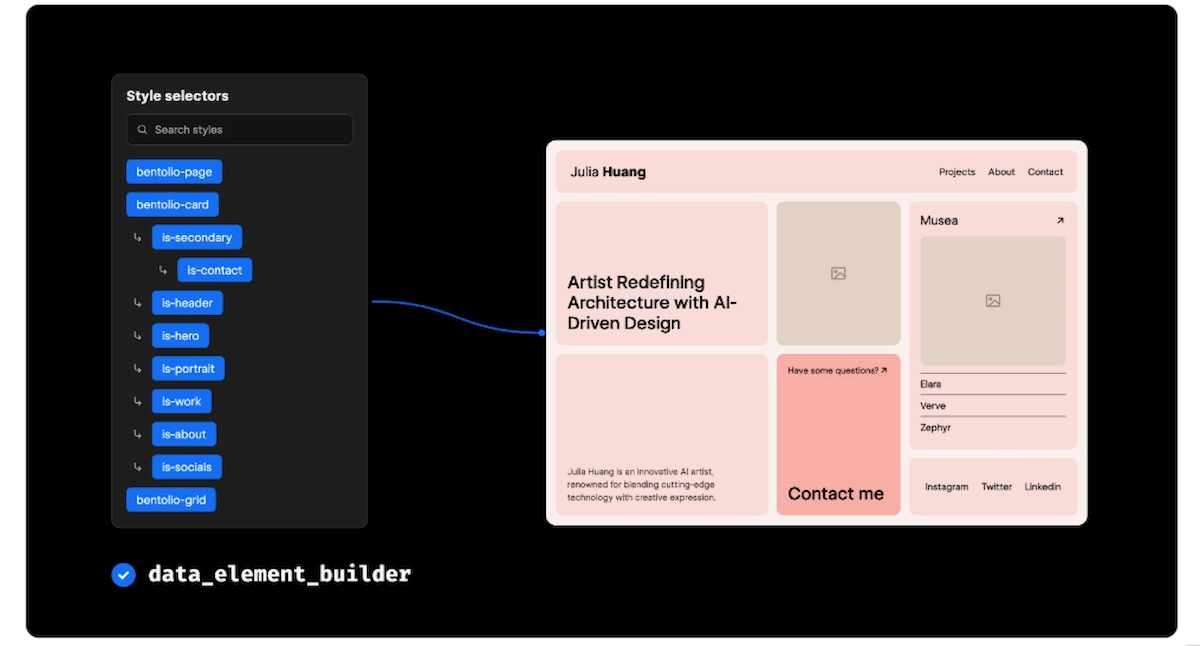
Webflow is essentially a visual wrapper for raw HTML, CSS, and JavaScript. When you build in Webflow, you are visually coding. You must understand concepts like flexbox, div blocks, and padding. It is incredibly powerful but demands a foundational understanding of web development logic.
Framer, conversely, started as an interactive prototyping tool that evolved into a website builder. Its interface feels exactly like a freeform design canvas (similar to Figma or Canva). You can drag and drop elements anywhere on the screen without worrying about strict CSS container rules. It prioritizes creative freedom and speed over structural coding logic.
2. Compare the Native AI Generators
Both platforms have deployed AI to eliminate the “blank canvas” syndrome, but they execute it very differently.
Framer’s AI is a true layout generator. You can type a prompt like, “Design a dark-mode landing page for an AI cybersecurity startup,” and Framer will instantly generate the typography, color palettes, and desktop-to-mobile layouts in seconds. You can then shuffle themes with a single click.
Webflow AI focuses less on generating entire pages from scratch and more on acting as an intelligent coding assistant. It excels at writing custom JavaScript, instantly generating alt text for SEO, and helping you build complex CSS animations by simply describing what you want the elements to do.
3. Evaluate Mobile Responsiveness
Review the spec comparison below to see how both platforms handle adapting your site to mobile screens:
4. Test the CMS and E-Commerce Limits
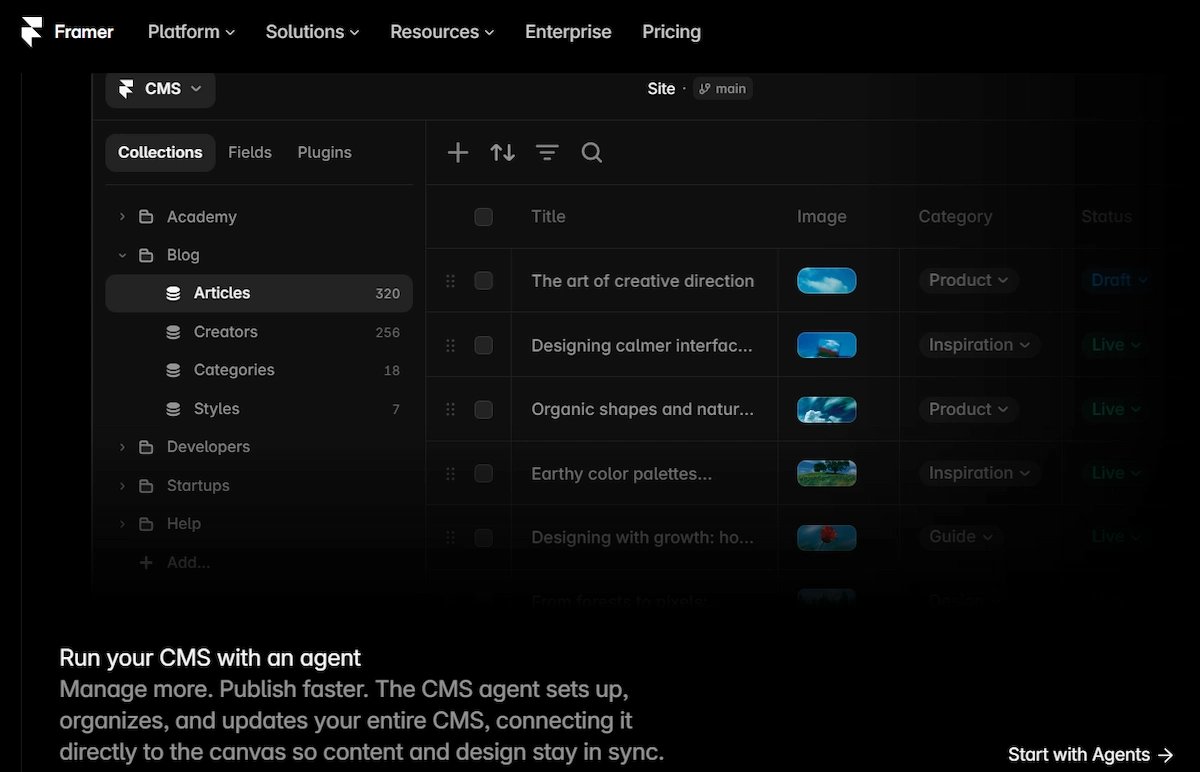
If your website requires publishing hundreds of programmatic SEO articles or managing a massive inventory, Webflow is the undisputed winner. Webflow’s Content Management System (CMS) allows for complex, relational databases (e.g., linking specific authors to specific categories and specific products).
Framer’s CMS is highly intuitive but functionally basic. It is perfect for a standard startup blog or a small portfolio, but it will crack under the pressure of a massive, thousands-of-pages content operation.
5. Analyze the Site Speed (Core Web Vitals)
Both platforms host your website on enterprise-grade AWS infrastructures, guaranteeing 99.9% uptime. Because Webflow enforces strict HTML/CSS rules during the build process, its output code is exceptionally clean, often resulting in flawless Google Lighthouse scores right out of the box. Framer is built on React, which is highly performant, but relying too heavily on its drag-and-drop animations can occasionally bloat the code if you are not careful.
6. Review the Code Export Options
Just like the no-code app builders, you must consider vendor lock-in. Webflow allows you to export your site’s HTML, CSS, and asset files. If you decide to leave Webflow, you can take your code and host it on your own server. Framer operates as a closed ecosystem; your site must remain hosted on Framer’s infrastructure.
7. The Final Verdict: Make Your Choice
Choose Framer if you are a designer who wants to move incredibly fast. If you need a stunning, high-converting landing page built by tomorrow afternoon without touching a single line of CSS logic, Framer’s AI and freeform canvas will get you there.
Choose Webflow if you are building a massive corporate site, an extensive programmatic blog, or if you want granular control over every single pixel and line of code for perfect technical SEO.
External Resources:
- Framer AI: Test the freeform design canvas and instant layout generator for high-speed builds.
- Webflow CMS: Explore the advanced relational database capabilities and pixel-perfect CSS controls.
Explore More on The NexGen AI:
- Need to automate your new website’s lead capture? Read our Make.com vs Zapier Breakdown.
- Ready to build a web app instead of a static site? See our Bubble vs FlutterFlow Guide.
- Understand the fundamentals of MVP creation in the No-Code Prototyping Blueprint.